

insights: Top 5 Free Photo Editing Software for Windows 10 & 11 (2025 Update)
Top 5 Free Photo Editing Software for Windows 10 & 11 (2025 Update)
If you are looking for the best free photo editing software for Windows 10 and 11, this is the ideal place to visit. Whether you’re a content creator, educator, or digital marketer, a reliable photo editor can make your visuals look professional without spending a rupee. Here are the top 5 free photo editing software options for Windows 10 and 11, offering amazing features for Windows users.
-
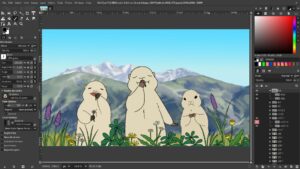
GIMP: The Best Free Photoshop Alternative
GIMP (GNU Image Manipulation Program) is one of the most powerful open-source photo editors available. It is commonly used for photo retouching, image editing, freehand drawing, and converting between different image file formats. GIMP supports plugins and scripting, allowing users to extend its features and automate tasks. While it is not primarily designed for drawing, some artists and creators still use it for that purpose’s a great choice for anyone who wants Photoshop-level control without paying for a subscription.
Key Features:
• Supports layers, masks, and advanced retouching tools• Works with almost all image formats
• Free plugins and community add-ons
• Suitable for professional-level editing -
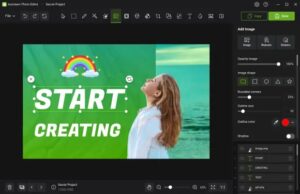
Icecream Photo Editor: Simple and User-Friendly
Icecream Photo Editor is best for beginners who want quick edits without complexity. It is very easy to use because its clean interface makes it easy to crop, resize, add text, or apply filters more easily.
Key Features:
Simple drag-and-drop interface
Add frames, stickers, and filters
Great for creating social media images
Lightweight and works smoothly on older PCs -
Fotor: Free AI Photo Editor
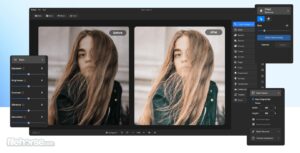
Fotor is a modern, AI-powered photo editor that makes enhancement effortless. It offers tools for brightness, contrast, portrait retouching, and creative filters.
Key Features:
• AI background remover and enhancer
• One-click effects and beauty tools
• Collage maker and text overlay options
• Free desktop version for Windows 10/11 -
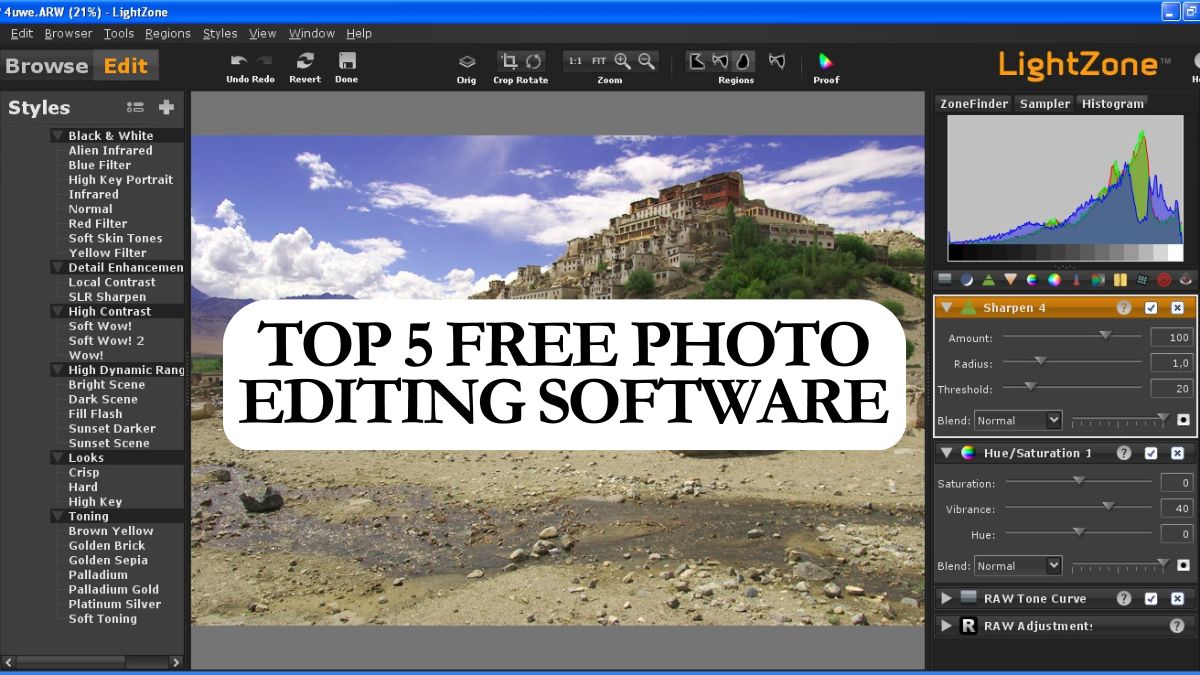
LightZone: Professional RAW Photo Editor
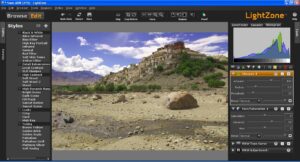
LightZone is another free and open-source photo editor. Generally, it is built for serious photographers which supports RAW files and allow non-destructive editing.
Key Features:
• Edit RAW and high-resolution images
• ZoneMapper tool for perfect light balance
• Batch photo processing
• Clean, professional interface -
LazPaint: Lightweight and Fast Editor
LazPaint is a small but powerful free photo editor that supports both raster and vector graphics. It’s great for quick edits or simple graphic design work.
Key Features:
• Lightweight and fast performance
• Layer support with transparency
• Ideal for low-spec computers
• Simple interface with essential tools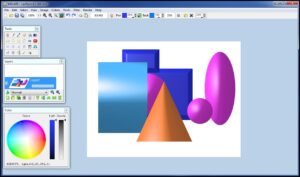
Thank You
also see:
